 Calm 3-dot planner
Plan only 3 things today
Every day starts with three dots. The cap keeps your plan short, realistic, and easier to finish.
Calm 3-dot planner
DayDots keeps daily planning small: choose three focus tasks, close the day calmly, and build streaks without backlog pressure.
Why it exists
Most planner apps assume you need more categories, more boards, more dashboards, and more system. DayDots starts from the opposite position: most people already know what matters, but they need a calmer way to commit to it.
That is why the app limits each day to three tasks, keeps reminders intentional, and gives progress context through history, streaks, and lightweight accountability rather than project-management overhead.
Built from real product behavior
Every day starts with three dots. The cap keeps your plan short, realistic, and easier to finish.
Weekly summaries show consistency, streaks, and calm progress without a noisy dashboard.
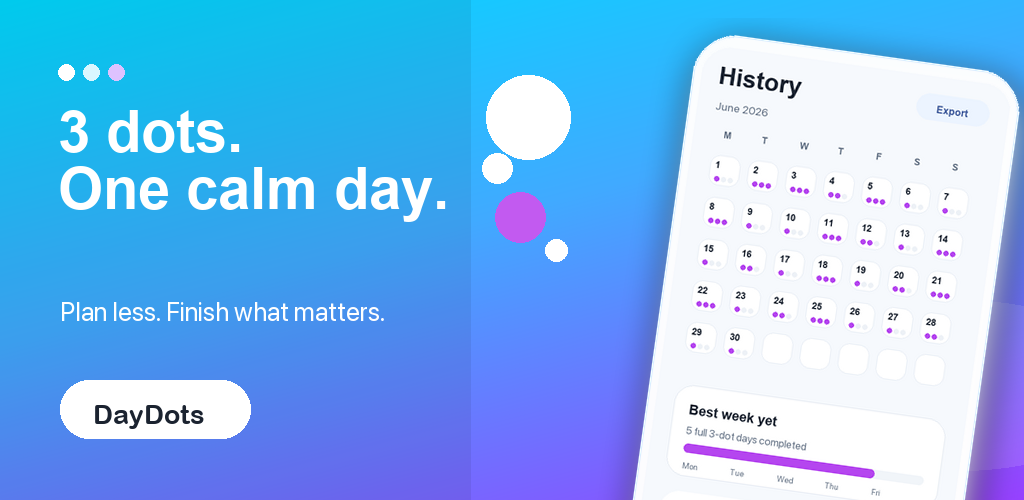
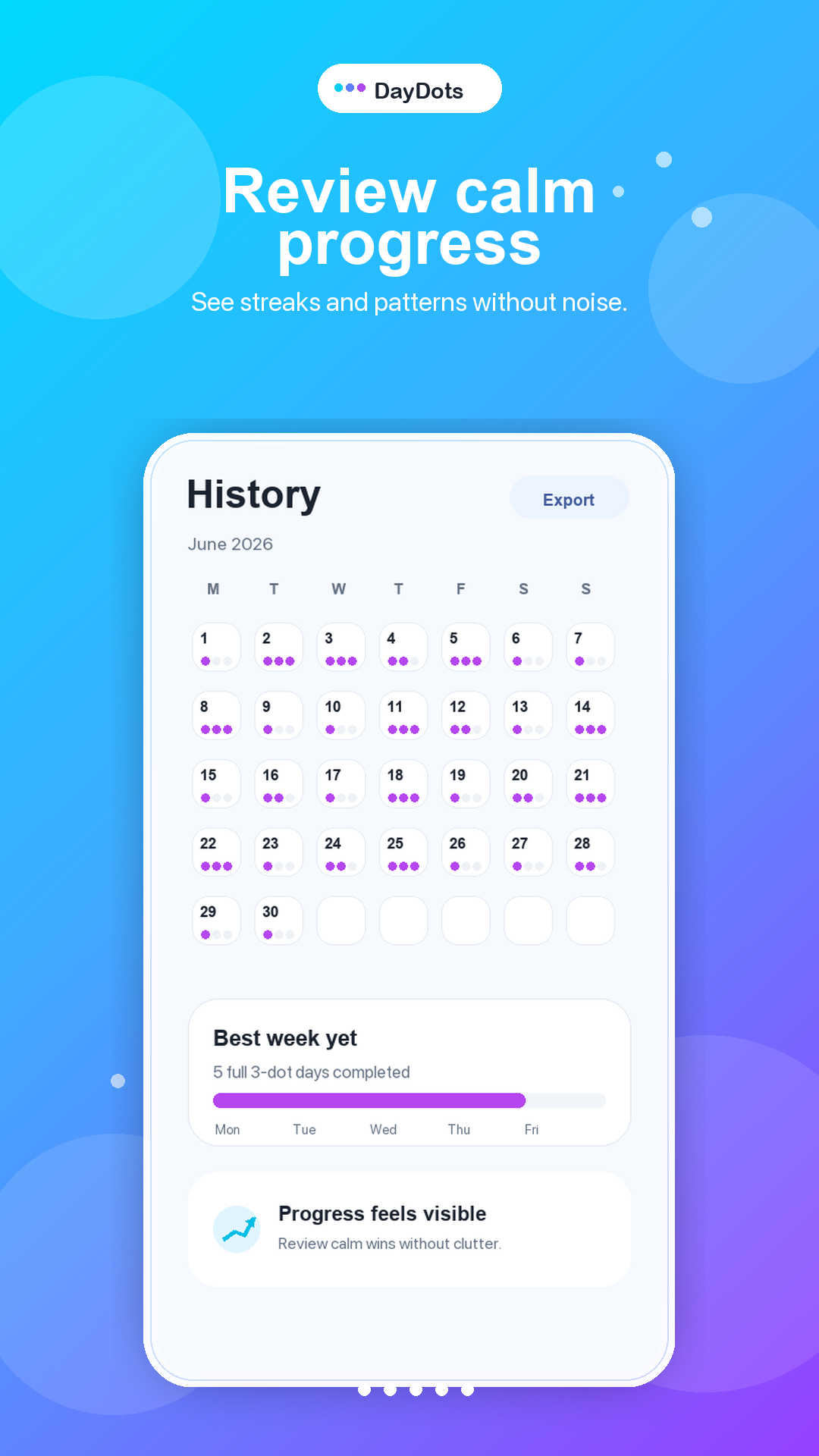
History makes patterns visible with simple dot calendars, best-week cards, and export support.
Social groups, invite links, rank cards, and shared progress help small crews stay accountable.
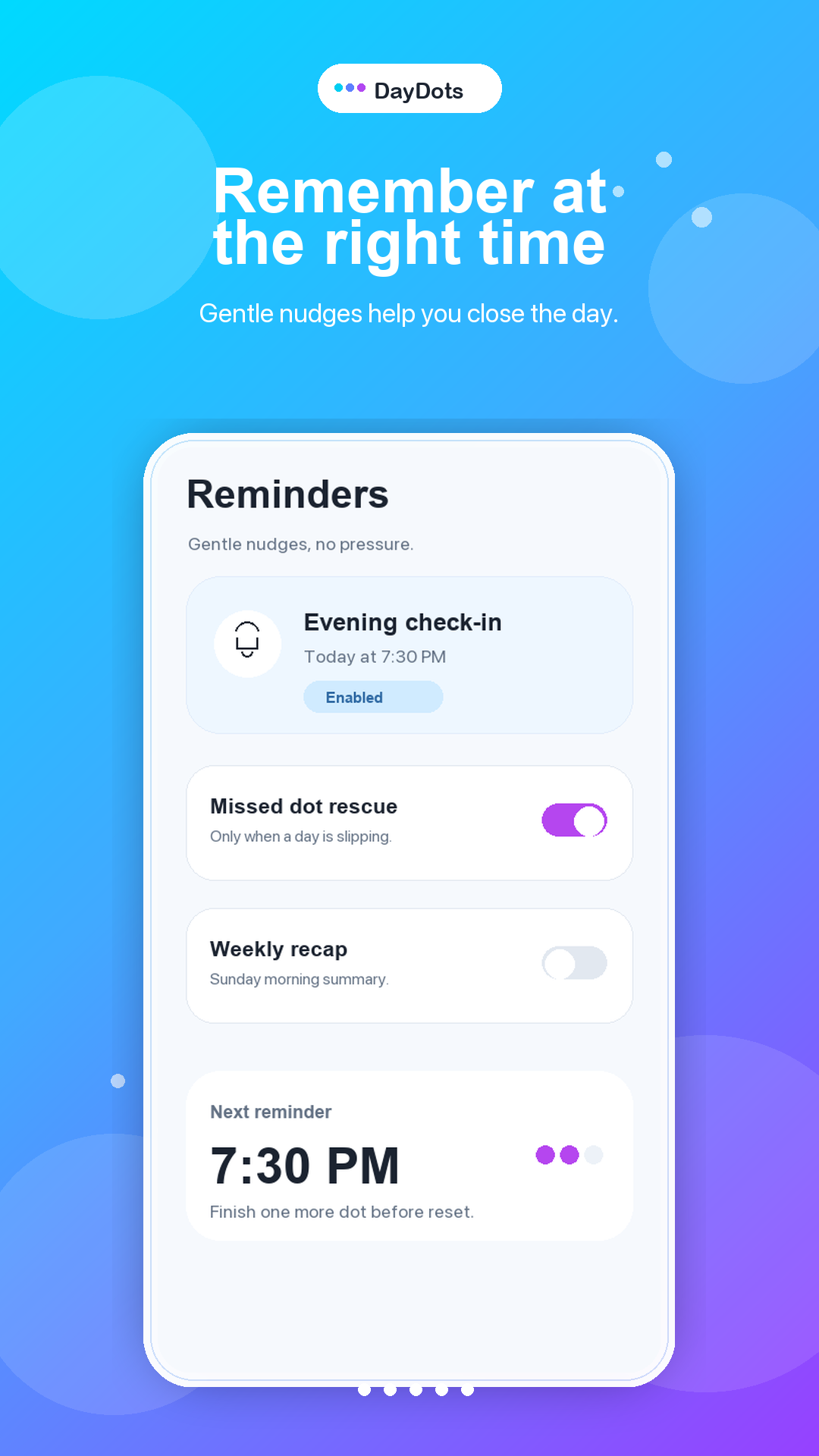
Gentle reminders, missed-dot rescue, and weekly recaps help you close the day without pressure.
Export planning history when you need your own archive, and manage account support through Cyatal.
Product views
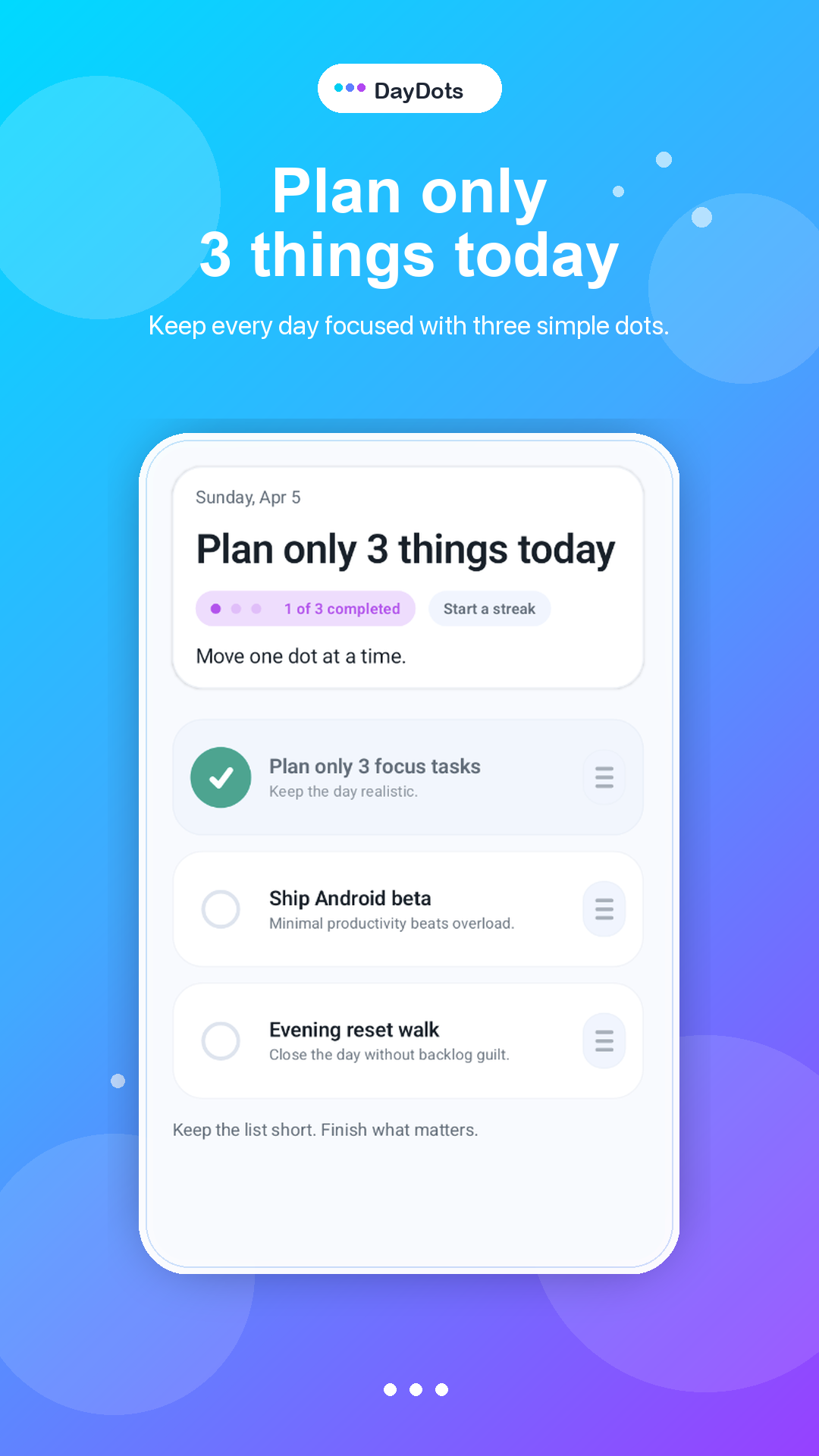
Today view
Start with three focus tasks, move one dot at a time, and finish what matters before the day resets.
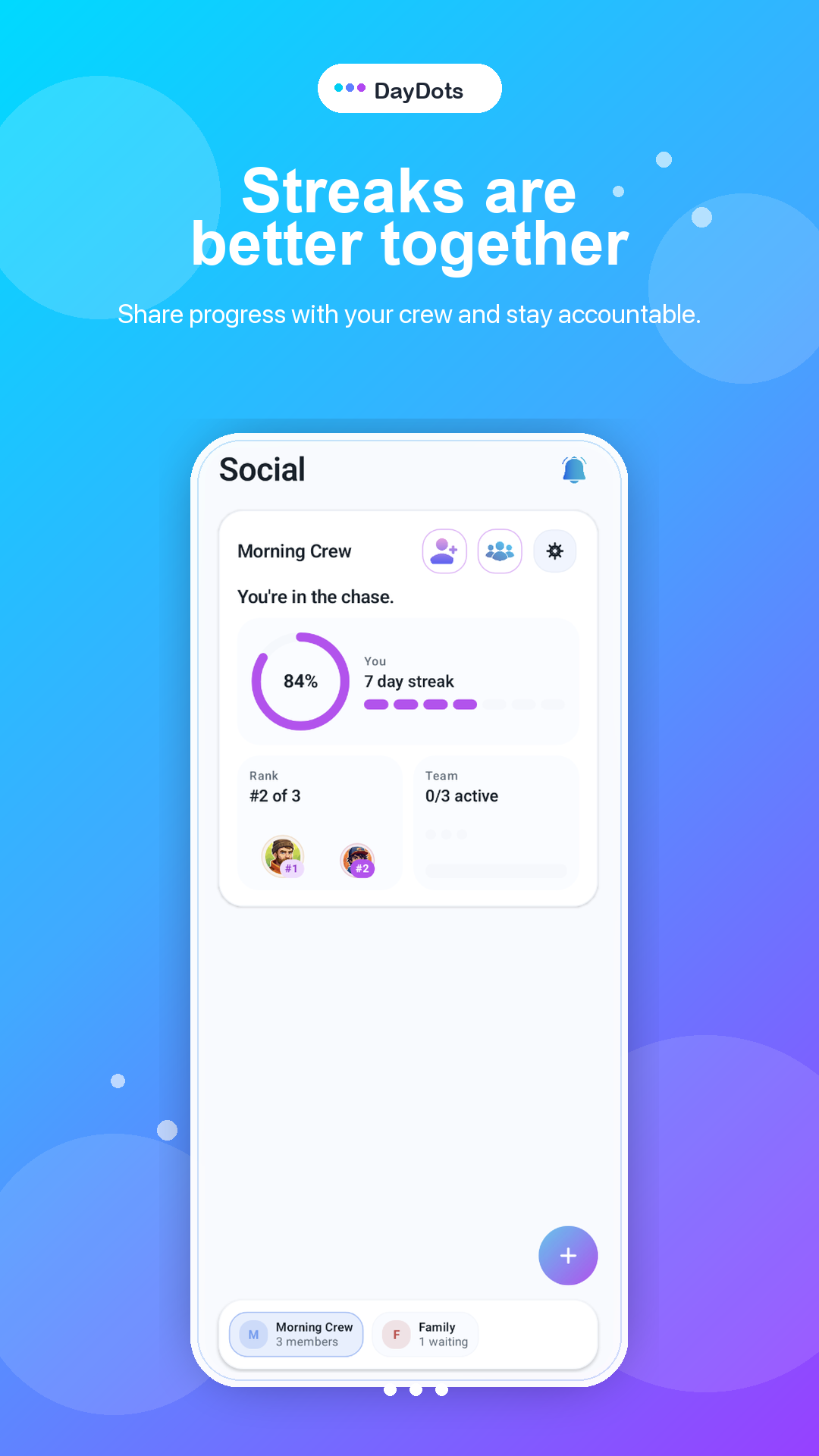
Social groups
Share progress with a crew, compare rank, and keep accountability lightweight instead of noisy.
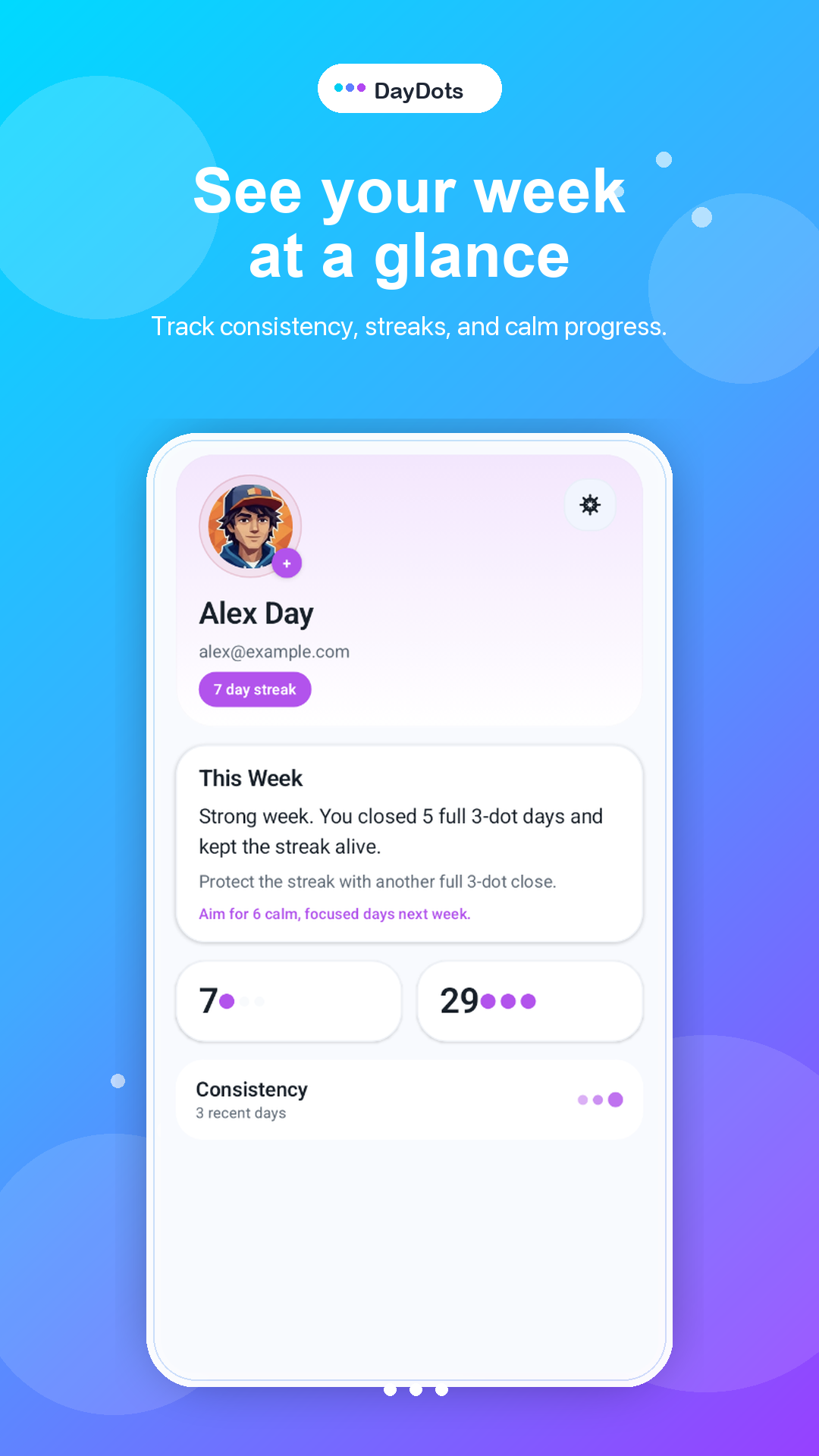
Profile recap
Track consistency, streaks, and weekly progress in a calm profile view built around readable signals.
History
Spot patterns across the month with a dot calendar, best-week summary, and export access.
Reminders
Use gentle nudges, missed-dot rescue, and weekly recaps to close the day without turning reminders into noise.
FAQ
DayDots intentionally limits each day to three dots. The goal is realistic planning, calmer focus, and better follow-through instead of endless list management.
No. It works for personal planning, workday resets, habit support, and lightweight accountability with friends, family, teammates, or small circles.
Yes. DayDots includes reminders, missed-dot rescue, weekly recap behavior, streaks, and history views for reviewing calm progress.
DayDots is available on Google Play. Install it directly from the Play Store to start planning three intentional tasks a day.
Now on Google Play
DayDots is live on Google Play. Install it now to use its focused Android experience from your device.
Android release is live. Install DayDots from Google Play and plan your next three dots.