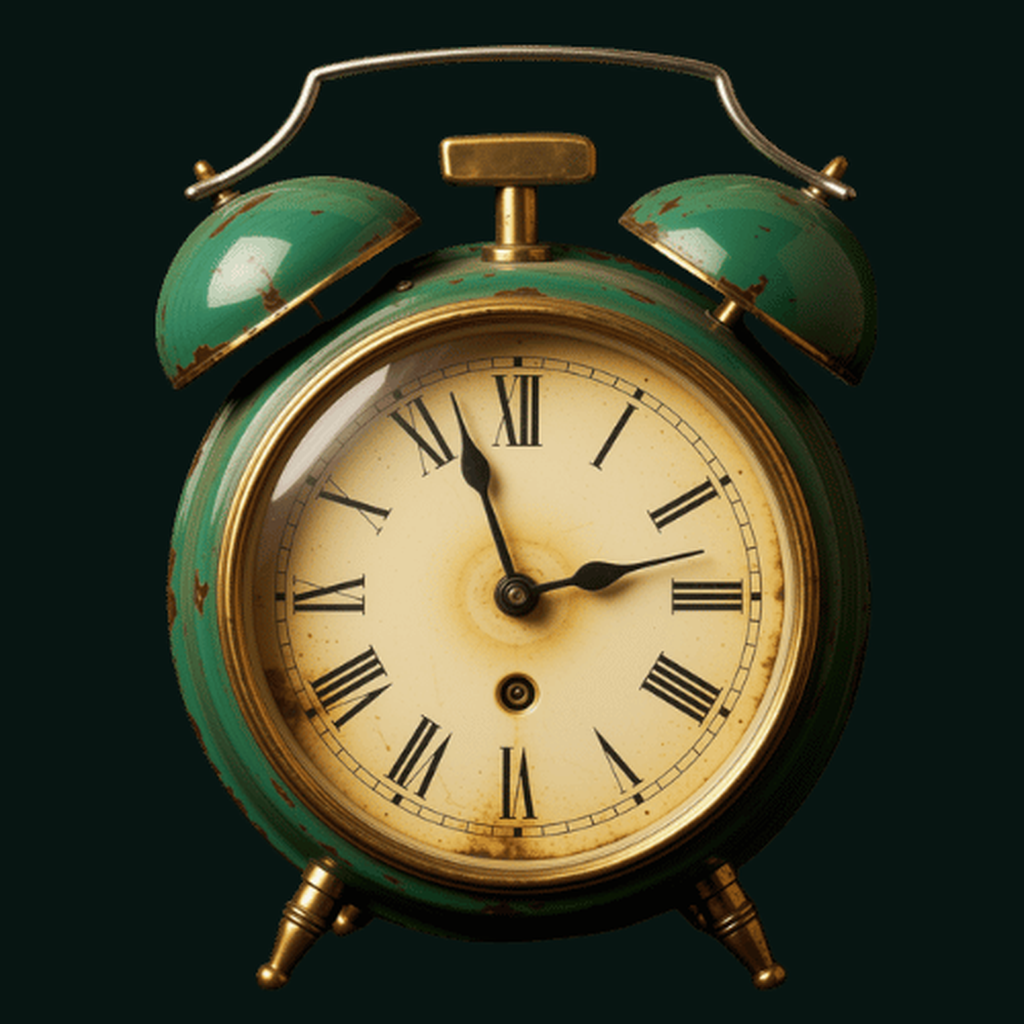
 Retro digital clock
Readable retro clock
Large digital time, retro font choices, accent colors, 12-hour and 24-hour formats, and optional seconds make the main clock useful across desk and nightstand setups.
Retro digital clock
Cyatal Clock is an AMOLED-friendly retro digital clock and home-screen widget app with customizable fonts, colors, screen-awake controls, charging-aware screensaver mode, and tasteful ads.
Why it exists
Most clock apps either feel like generic utilities or overload the display with weather, feeds, and dashboard widgets. Cyatal Clock is built around a simple job: make time readable and calm.
The app combines a retro digital clock, low-distraction AMOLED styling, charging-aware screensaver behavior, and native widgets so the clock can work on a desk, nightstand, or home screen.
Built from real product behavior
Large digital time, retro font choices, accent colors, 12-hour and 24-hour formats, and optional seconds make the main clock useful across desk and nightstand setups.
The clock experience is designed around a dark, low-distraction display that keeps time visible without turning the device into a bright dashboard.
Users can choose whether the clock keeps the display awake during active use, with platform behavior still governed by device settings.
Screensaver mode activates from charging state and inactivity signals, then shows a calmer low-power clock surface when the device is plugged in.
Native Android and iOS widgets show the selected clock style on the home screen while respecting platform-controlled widget refresh cadence.
The app includes Google Mobile Ads support for banners, interstitials, and app-open ads, with privacy and consent disclosures published for store review.
Product views
Main clock
Use a large retro clock surface with customizable time format, seconds, font, and accent color.
Settings
Pick retro fonts, preset colors, a custom accent, 24-hour mode, seconds, and keep-screen-awake behavior.
Home screen
Android AppWidget and iOS WidgetKit support keep the selected clock style available outside the app.
Screensaver
When enabled, charging and inactivity can move the app into a calmer low-power clock surface.
FAQ
Cyatal Clock is coming soon on the App Store and Google Play. Store links will be added here after the listings are live.
Yes. The app includes native Android and iOS home-screen widgets that sync selected clock style settings from the app.
No. Android launchers and iOS WidgetKit control widget refresh cadence, so Cyatal Clock intentionally avoids promising per-second home-screen widget updates.
Cyatal Clock includes Google Mobile Ads support for monetization. The privacy policy explains ads, identifiers, diagnostics, and user choices.
Coming soon on the App Store and Google Play
Cyatal Clock is being prepared for the App Store and Google Play. Store listing links will appear here after launch.
Coming soon on the App Store and Google Play. Store listing URLs will be added after the listings are live.